Offline visual search · Windows
Find the shot.
Not the filename.
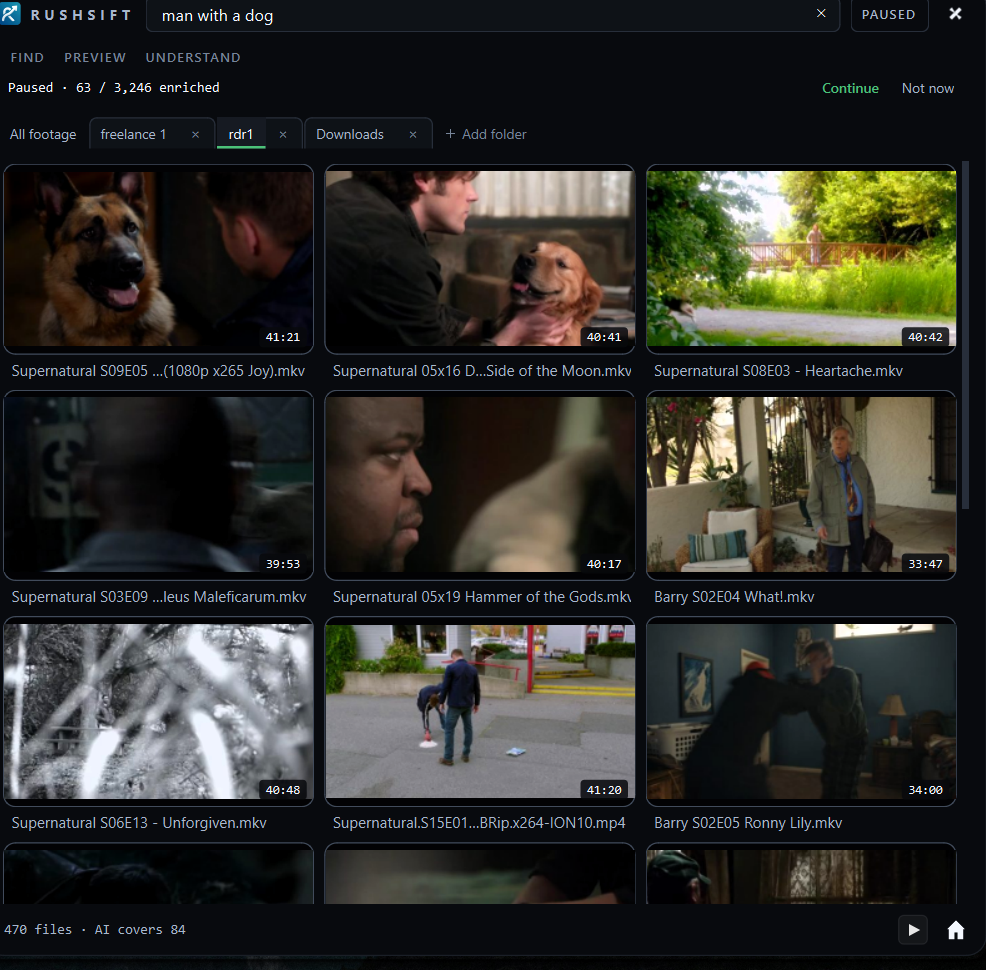
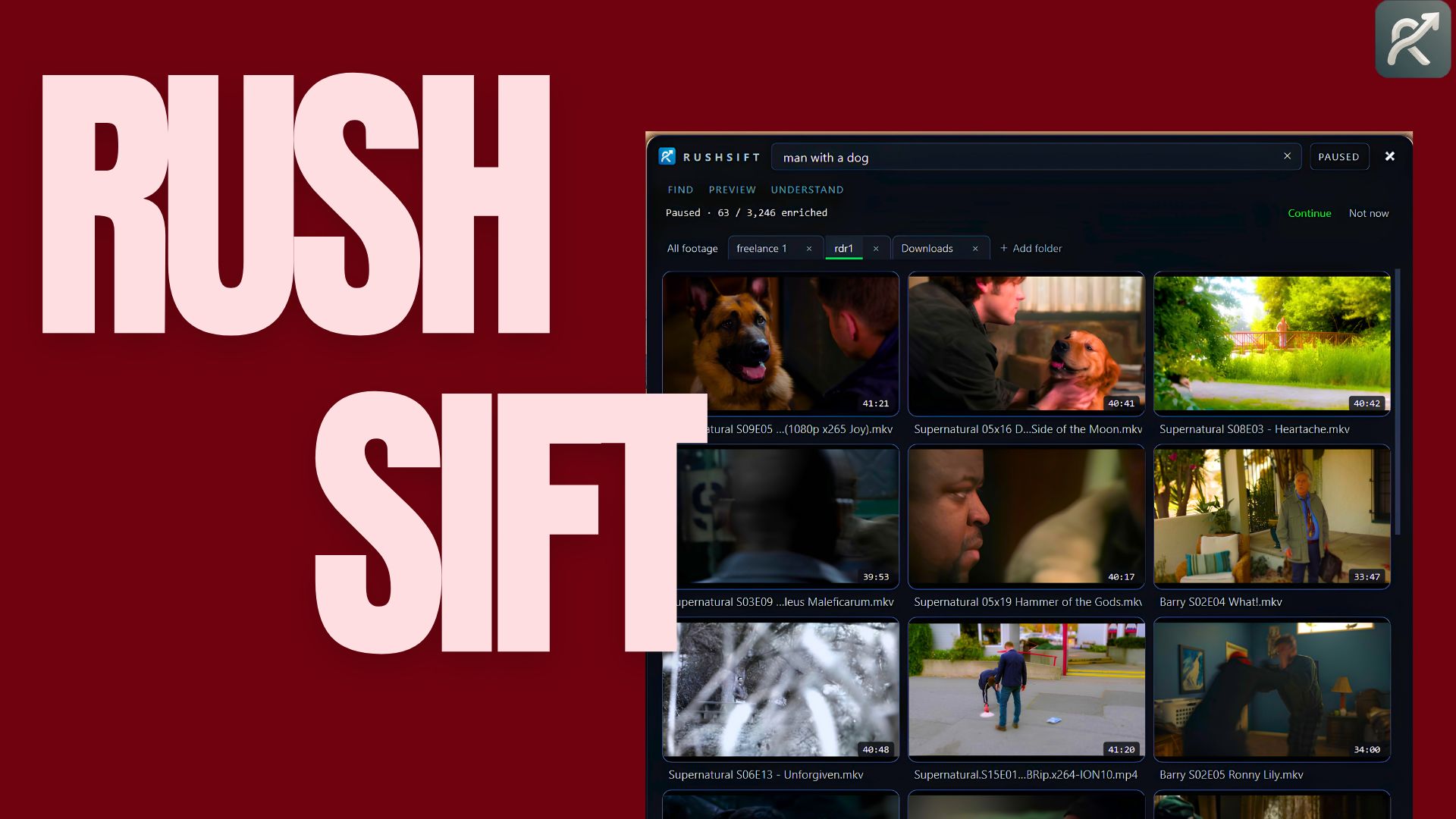
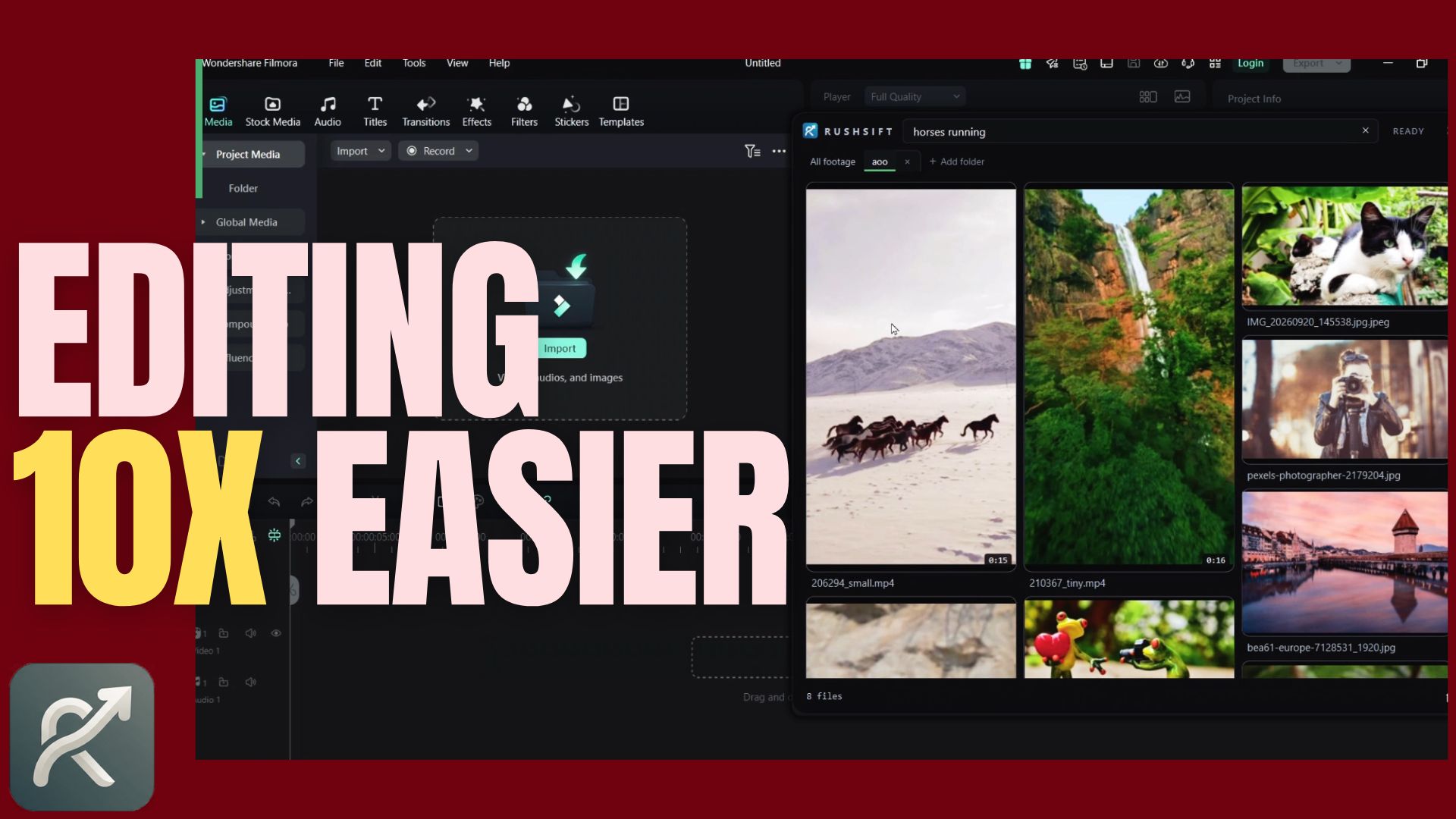
RUSHSIFT reads your footage and photos and lets you search them the way you remember. Describe the moment — it finds the exact shot on your drive in seconds, and drops it straight into your editor.
- Video + photos — MP4 · RAW
- Built for speed & accuracy
- 100% on-device, never uploads
- Premiere Pro
- After Effects
- DaVinci Resolve
- CapCut
- Final Cut
Seen in the wild
This is RUSHSIFT doing the work.
01 / The idea
Search like you remember
Search like you remember.
You don't remember file names. You remember the light, the subject, the motion. RUSHSIFT indexes what's actually on screen, so you can ask for it in plain words.
- a.You type
“Golden hour on the beach.” “Red car pulling away at night.” Whatever you'd say out loud.
- b.It matches
The index compares meaning, not keywords, and ranks the clips that actually fit.
- c.You drag
Grab the result and drop it onto your timeline. The file never moved or changed.
02 / See it work
A visual search engine for your hard drives
Watch a query find the frame.
 RUSHSIFT
Demo
ready
RUSHSIFT
Demo
ready
- READS Every frame is understood on your machine — no clip is ever sent anywhere.
- RANKS Results are ordered by how well they match what you meant, not how they're named.
- DRAGS Pull any match straight into Premiere, Resolve or CapCut. The original file stays put.
03 / Three moves
Less managing. More making.
Three moves. Then you're editing.
Ask
Point RUSHSIFT at a folder or a whole drive and describe the shot you're after.
See
The matching clips surface in seconds, ranked by how closely they fit what you meant.
Drag
Drop the one you want onto your timeline and keep cutting. No renaming, no re-filing.
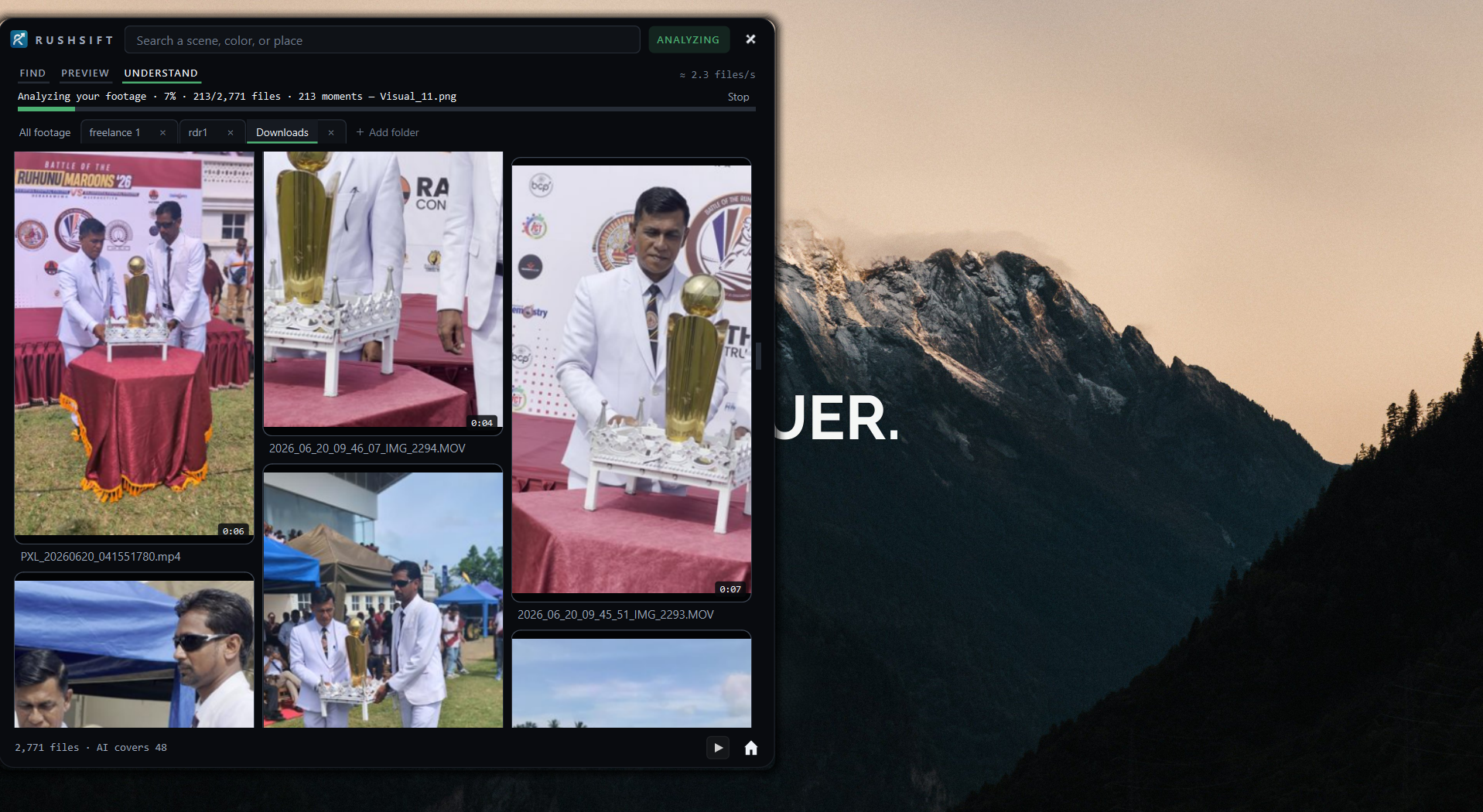 Indexing · reads only
— / The index
It reads the footage so you don't have to.
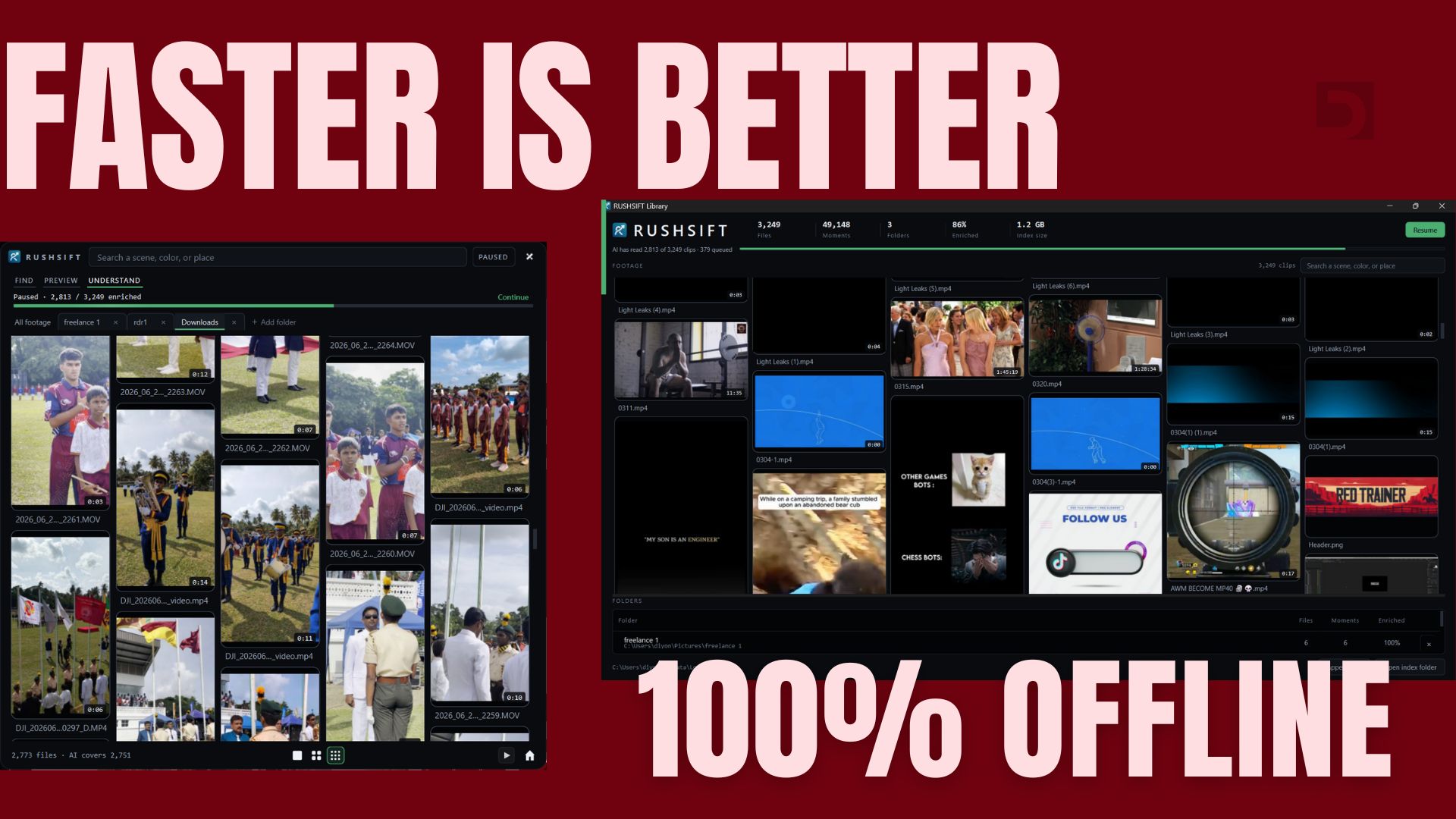
Point it at your library once. RUSHSIFT works quietly in the background, understanding every clip so it's ready the moment you go looking.
04 / The trust layer
Private by design
The network goes quiet.
RUSHSIFT runs entirely on your machine. It reads your footage, writes a small index into your app data, and sends nothing — no account, no cloud, no telemetry.
Watch the demoOne price · no subscription
Buy it once. Search forever.
Every format, every folder, every search — on your machine. No seats, no cloud bill, no renewal creeping up on you.
- Offline AI footage search
- Unlimited footage & folders
- MP4, MOV, HEVC, ProRes, RAW, PSD, HEIF
- Read-only — never changes a file
- Free updates
05 / Start asking
The shot is in there. Start asking.
Stop scrubbing timelines and second-guessing file names. Describe what you remember and let RUSHSIFT bring it back.